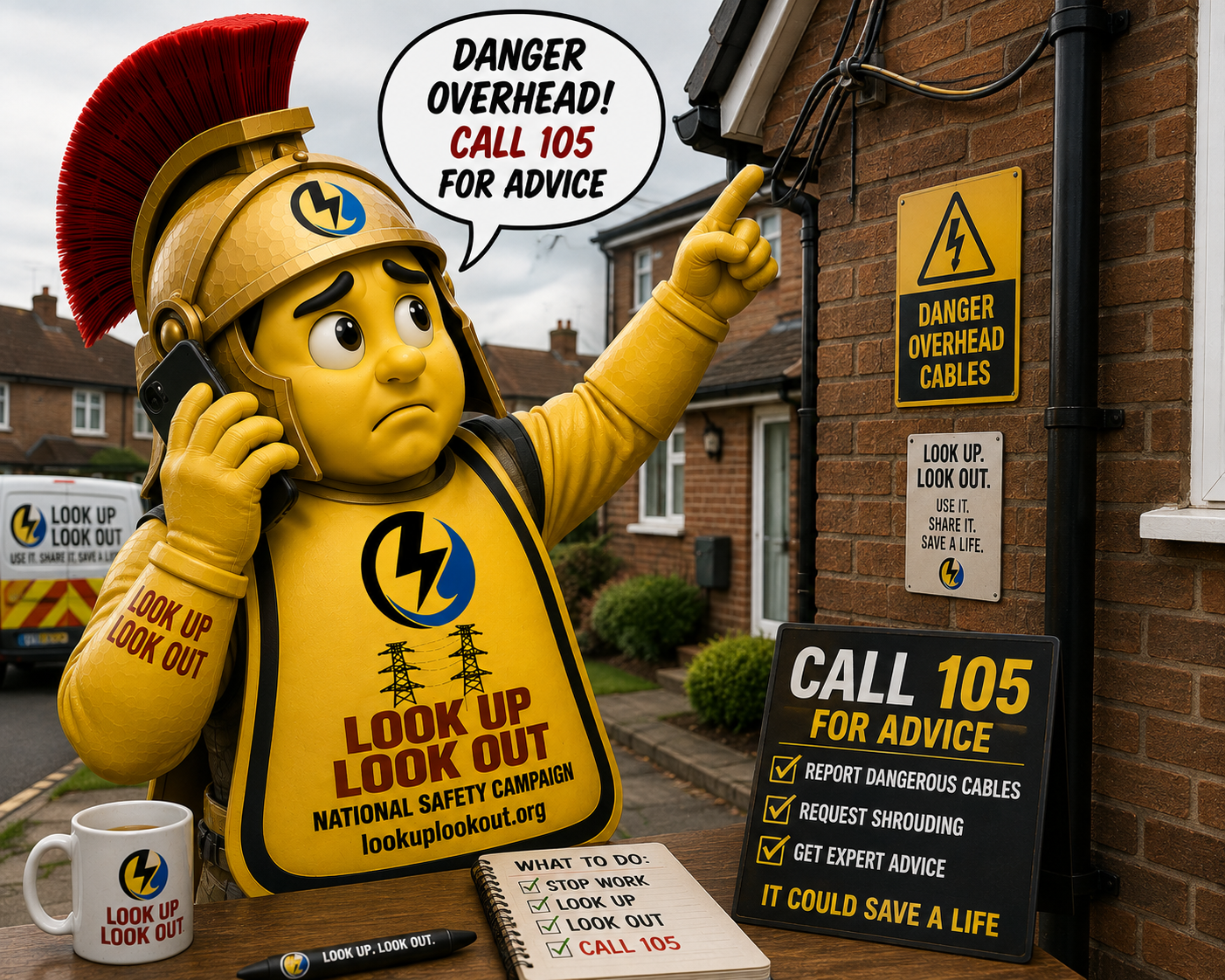
Request Temporary Overhead Line Shrouding
Updated on 31 July 2026
Reading time: About 4 minutes, plus time to complete the form
Best for: Window cleaners, roof cleaners, solar-panel cleaners, scaffolders and contractors planning work near overhead electricity
30-second summary
This page helps you prepare the information needed when asking an electricity network operator about temporary overhead-line shrouding.
The form gathers the location, photographs, planned work dates and job details. It does not submit the request for you. In Great Britain, call 105 to reach the appropriate electricity network operator. In Northern Ireland, call NIE Networks on 03457 643 643.
If cables are:
- very low
- damaged
- sparking
- or feel unsafe
Stop immediately. Do not continue.

Call National Grid: on 105 or 0800 096 3080
If you’re in Northern Ireland and need help with overhead power lines—whether it’s shrouding requests or an emergency—call NIE Networks on 0345 7 643 643. They’re available 24/7 to help keep you safe when a job feels unsafe.
If cables are damaged, low, or an immediate danger, call 999.
Electricity can arc — you do not need to touch the wires to be seriously injured or worse. Carbon fibre poles conduct; never treat partial insulation as permission to work safely.
This guide helps window cleaners, roof cleaners, solar panel cleaners, scaffolders, and contractors understand how to request temporary overhead cable shrouding through the UK 105 service before starting work near power lines.
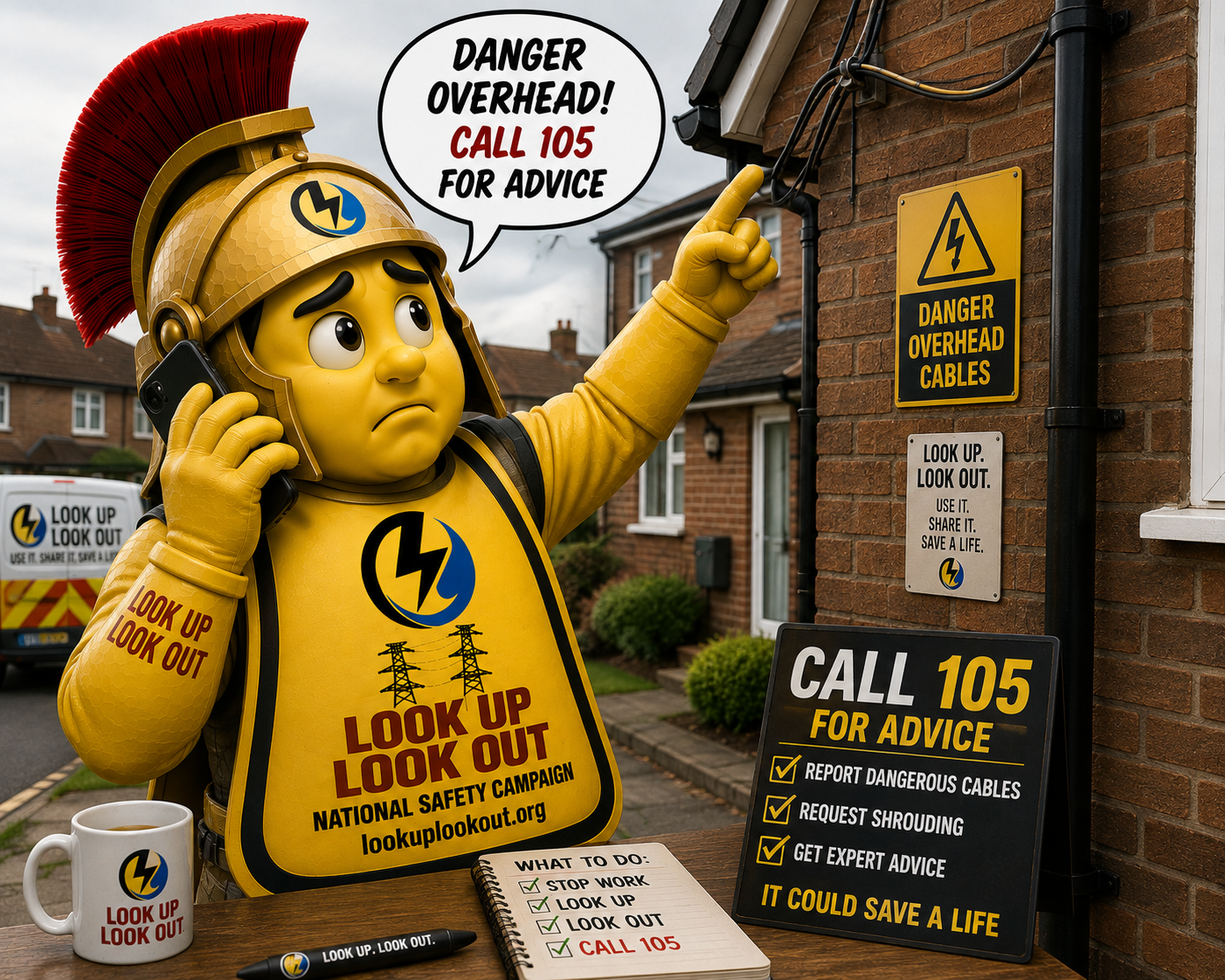
Before you ring 105 or NIE Networks on 0345 7 643 643 If you’re in Northern Ireland
The easiest way to contact the DNO (Distribution Network Operator) is to first complete the Look Up Look Out Request Shrouding Form below. This gives you all the information, photos, dates, and job details the DNO is likely to ask for anyway.
You can then either:
- Use the completed form information to contact the DNO by phone through 105 UK only
- Or use your draft to contact the DNO through their own website or process if requested
Think of the form as your preparation sheet. It helps avoid missing information and speeds the process up.